Don't explain it.Don't
Explain it.

Sketchreel it.

AI whiteboard explainer videos, drawn from your content. You bring the source; we hand back a finished video — storyboard, sketches, voice, the whole thing.

your sketchreel · press play
the research

Why whiteboard explainer, specifically?

Your brain runs two channels — one for words, one for pictures. A whiteboard explainer feeds both at once, so the idea lands twice and stays longer. That's not our opinion; it's fifty years of cognitive science.

+15%

more of it remembered.

Same lesson, same script — drawn instead of talked at. In a study of ~2,000 people, the whiteboard version was remembered 15% better. The researcher called that "absolutely massive." Every Sketchreel ships in that format.

Wiseman, 2014

stickier when it's drawn.

We remember what we draw almost twice as well as what we write down. Sketchreel puts that to work — every idea becomes a picture, not a paragraph.

University of Waterloo, 2016
+66%

more likely to be shared.

Same words, different format. Wiseman's whiteboard version was 33% more entertaining and 66% more likely to be passed on. If you want the thing to travel — to the team, the timeline, the group chat — this is the format that does.

Wiseman, 2014
the problem

Explainer videos are great, but making them is a nightmare.

You can already explain your thing — out loud, to one person, at a whiteboard, you're great at it. The hard part was never the explaining. It's everything between the idea and a video other people can watch.

And the math never worked. People remember a sketch; they skim a doc. But making the sketch costs you a week, a budget, or your whole evening. So the explainer that would've nailed it just… doesn't get made.

Until now, the options were:

  1. 01

    Hire someone

    three weeks, a creative brief, four rounds of "can the arrow be more blue," and a bill that makes your eye twitch.

  2. 02

    DIY it

    open the editor, drag one stick figure across a timeline, look up, it's 11pm. Close the editor. Open it again Saturday. Close it again.

  3. 03

    Template tools

    forty stock scenes that don't quite fit, a music bed you've heard in nine other videos, and a result that says made in a hurry out loud.

  4. 04

    Skip it

    and explain your thing in a wall of text nobody reads. Then re-explain it on a call. Then again next week.

There's a new way of doing it now.
What if you just… didn't make the video?.

The new way to do it

Just Sketchreel it

You hand over what you know, say what it's for, and it makes itself.
Three steps — and the third one is "press play."

  1. Hand it your content.

    A website, a doc, a PDF, or just paste some text — whatever you'd hand a smart intern. Except this one reads all of it instantly and never asks for a deadline extension.

  2. Tell it the goal.

    "Explain our product." "Onboard new users." "Teach this lesson." "Make my mom understand what I do." Pick a vibe, a length, and a shape — wide or tall. Done.

  3. Get your Sketchreel.

    Behind that one button, a small studio gets to work: it finds the story in your content, decides what to draw for each idea, sketches every scene in one consistent style, records the narration, times the words to the pictures, and stitches it all together. You watch it, tweak a scene if you feel like it, and export.

Explainer video gets donebefore your coffee gets cold.

the differentiator

And no, it doesn't look likeAI made it.

You know the genre. Six-fingered hands. Text melting into alphabet soup. A "hand" that's clearly never met a hand — and a style that quietly reinvents itself every four seconds. We took that personally.

Most tools generate each scene from scratch and hope the pieces match. They don't. We went the other way — every scene runs through the same hand, the same colors, the same little cast of icons. Frame 1 and frame 40 actually look related.

most AI toolsfour scenes, four different artists
scene 1
scene 2
scene 3
scene 4

none of them yours.

a Sketchreelsame hand, all forty scenes
scene 1
scene 2
scene 3
scene 4

as it should be.

The research is clear: people learn better when the clutter is stripped away. A clean sketch beats a busy slide — which is exactly the point.

what you get

One finished video.
Everything already handled.

What lands in your hands isn't a pile of clips to assemble. It's one video, ready to post. And inside it, all of this already happened — so you didn't have to:

  • written— the script — a real one, with a point and an order, not your doc read out loud.
  • drawn— every scene, in one consistent hand.
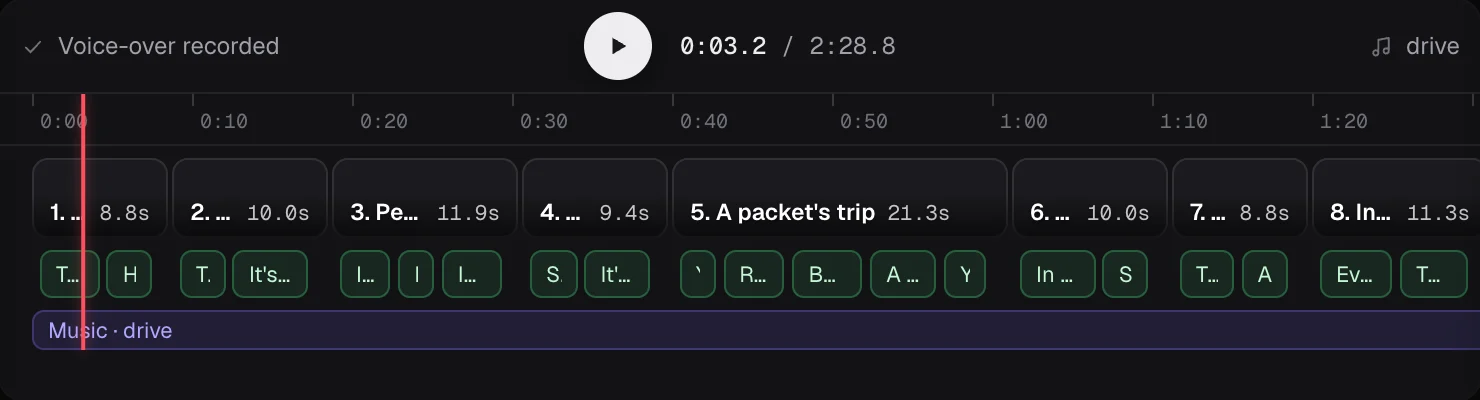
  • recorded— the voice — and timed, so each word lands exactly as its picture appears.
  • worn— your brand colors, if you want them.
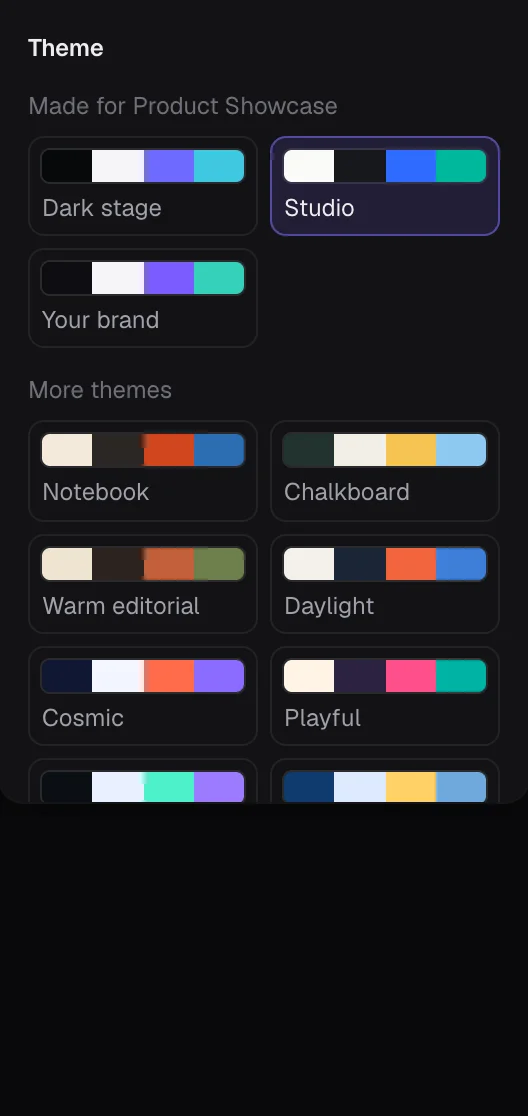
  • picked— the whole look was yours — a handful of styles, swap anytime.

One button.The finished video falls out the bottom.

formats

Wide for the site. Tall for the feed.

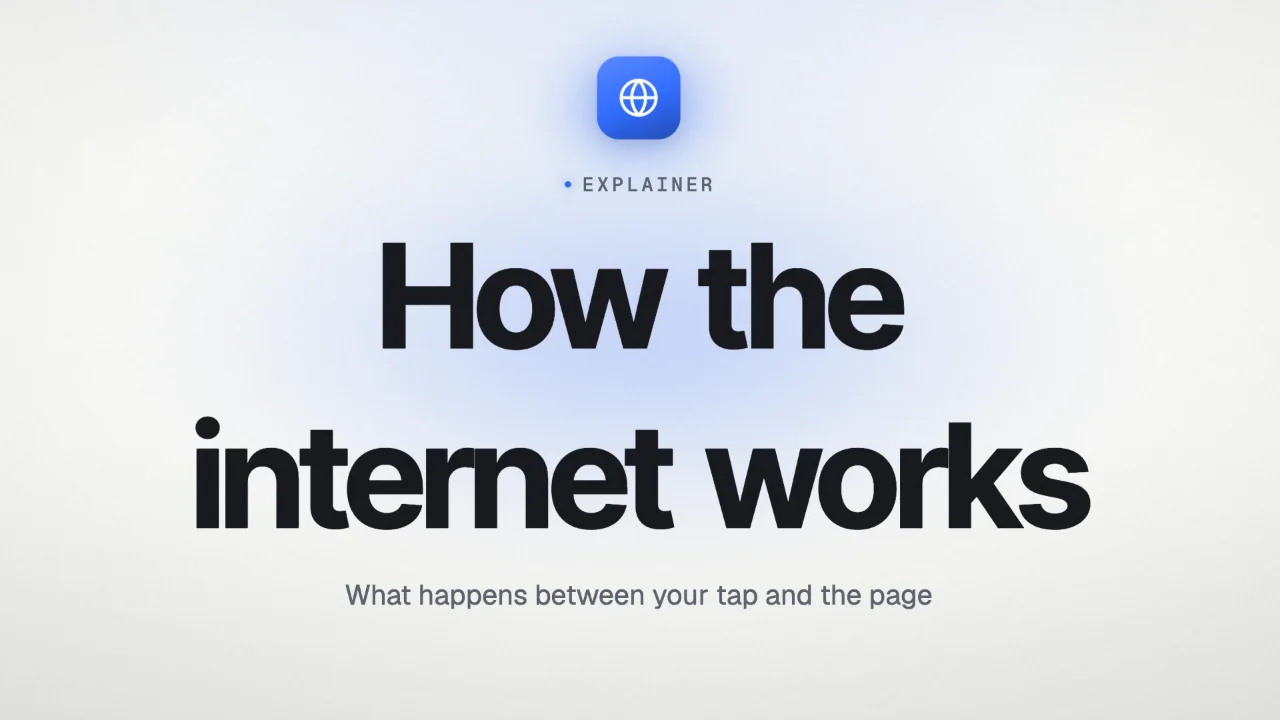
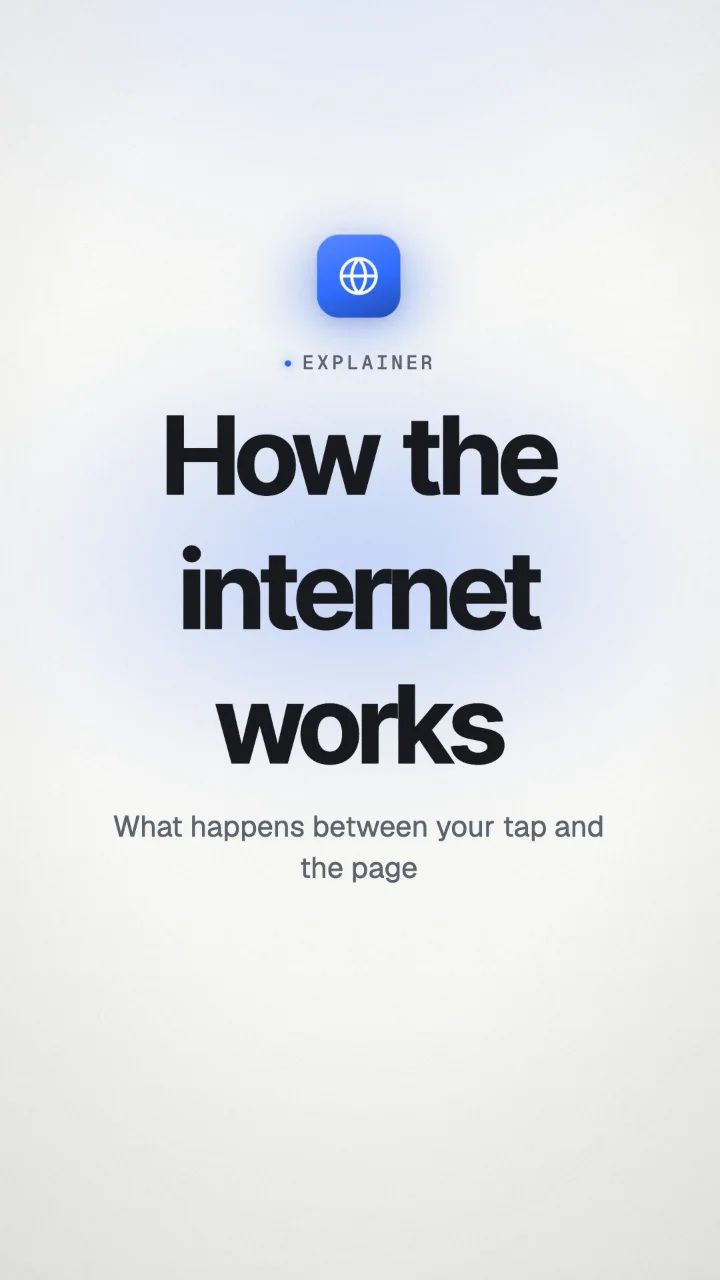
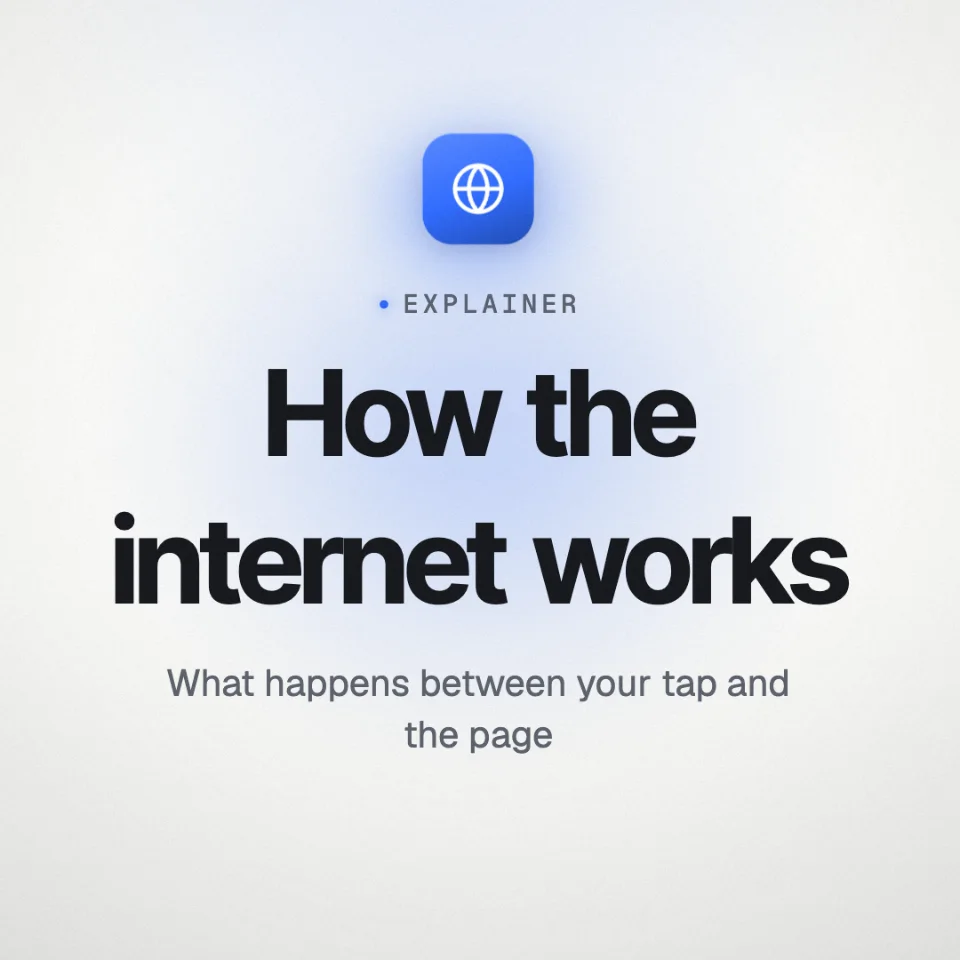
73% of people say the most effective videos run 30 seconds to 2 minutes — short enough to actually watch, long enough to make it land. That's the Sketchreel zone: wide for the homepage, vertical for the feed, square for the in-between.

Wide preview
16 : 9Widehomepage · course · embed
Tall preview
9 : 16TallReels · Shorts · TikTok
Square preview
1 : 1SquareLinkedIn · in-feed
use cases

Sketchreel basically anything.

at work8 ideas
  • a product launch
  • onboarding flow
  • pitch deck
  • how-it-works page
  • feature announcement
  • investor update
  • the sales-call spiel you've given 400 times
  • your cofounder's idea (lovingly)
things you teach10 ideas
  • a how-to
  • a step-by-step tutorial
  • a full course lesson
  • a classroom concept that never quite lands on a slide
  • employee training nobody watched (until now)
  • a "please read this before the meeting"
  • a study guide your students might actually rewatch
  • onboarding for the new hire
  • that recipe, that policy, that one process
  • explaining your whole job to your family at dinner

If you can explain it you can Sketchreel it.

FAQ

The questions you're already forming.

  • Q01Does this actually work better than a slide deck?

    Yes, and there's research. Same lesson, two formats: viewers of the whiteboard version recalled about 15% more than viewers of a talking-head with identical audio (Wiseman, 2014). He called the gain "absolutely massive." The why is dual coding — words plus pictures leave two memory traces (Mayer; Paivio). It's also why we keep the visual style minimal: every extraneous element is a memory tax.

  • Q02Do I need design skills?

    Nope. You bring the content and the goal; the design part is the part we handle.

  • Q03How fast is it really?

    Minutes to a first draft. The actual bottleneck is you deciding it's good — which, fair.

  • Q04Can I do vertical for socials?

    Yep — wide, tall, or square. Sketchreel a Short and let it carry the whole idea on its own.

  • Q05I'm a teacher / course creator. Will this work for lessons?

    Honestly one of our favorite uses. Hand it your material, say "teach this," and get a lesson that doesn't put the room to sleep.

  • Q06Can I change things after?

    Of course. Don't like one scene? Redo just that one — the other forty stay exactly as they were. No re-rolling a whole video to fix a single icon.

  • Q07Will it invent facts about my product?

    No. It only draws from what you give it. If your content doesn't say it, your Sketchreel won't claim it.

  • Q08Is this going to look like generic AI slop?

    We took that personally. (See above. Twice.)

  • Q09What if I hate it?

    Then you're out about four minutes — roughly 1% of what the old way would've cost you.

ready?

You've explained that thing enough times.
Let it explain itself.

Free to try. Bring a link.